
AI voice receptionist
Answers and books directly into the EHR schedule during peaks and after hours.
For multi-provider practices: phone, web, walk-in, and staff-booked appointments converge on the Charts patient and schedule—then continue through arrival, eligibility, care, and checkout.
Published plans: Charts Lite $199 · Charts Core $349 · Charts Plus $499 per month
Appointment source remains useful for reporting, but staff should not have to reconcile four different calendars.
Answers and books directly into the EHR schedule during peaks and after hours.
Works on an existing website or a connected MedSite practice website.
Day, week, month, discipline, and provider context for daily operations.
Fills cancellations and nudges under-scheduled plans back toward cadence.
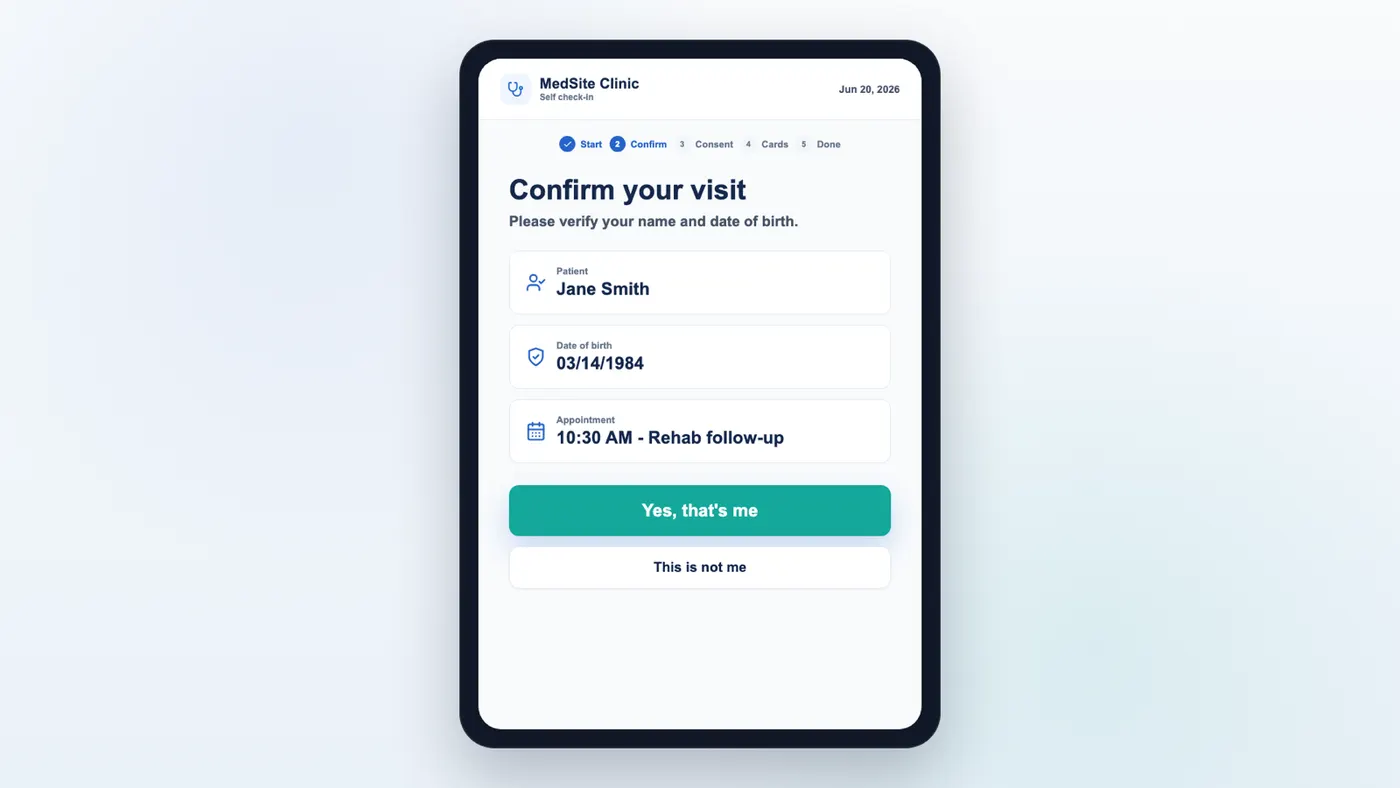
Intake, consent, insurance-card capture, and balance collection return to the same record staff and providers use.
Match an eligible waitlist patient, send the slot by text, and reflect an accepted offer on the schedule.
Arrival state, unverified eligibility, unsigned intake, plan cadence, outstanding balance, and the next owner stay visible as the appointment moves across roles.
Surface unverified eligibility and expiring authorization against upcoming visits.
Let the patient complete intake and insurance capture without staff re-keying.
Compare scheduled visits with the plan and route rebooking or retention outreach.
Direct answers about fit, migration, ownership, AI review, and the connected platform.
Yes. A practice can keep its existing website and still connect the MedSite AI voice receptionist and online booking to the Charts schedule. A connected MedSite practice website is available when the practice wants the full website-to-EHR loop, but it is not forced.
Yes. The MedSite AI voice receptionist is positioned to answer calls and book into the Charts schedule, including when staff are busy or the practice is closed.
No. Charts online booking can be added to an existing website. A connected MedSite practice website is available for practices that want one website-to-EHR stack.
The kiosk workflow can support check-in, intake and consent, insurance-card capture, and an open-balance payment step connected to the patient record.
When a slot opens, Charts can match an eligible waitlist patient, send a texted offer, and update the schedule when the patient accepts.
We’ll connect phone, web, staff booking, check-in, eligibility attention, and waitlist recovery in one synthetic patient journey.